

Kongosan Hiking Digital Ticket

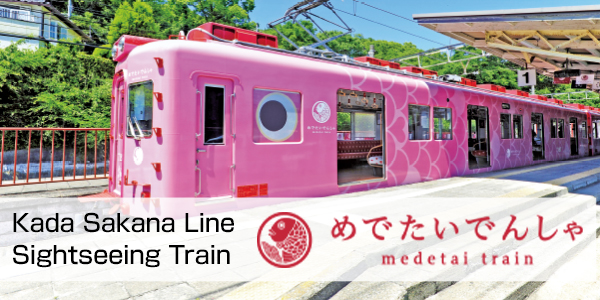
Roundtrip ticket from an eligible station (with a designated ticket gate) to Kawachinagano Station
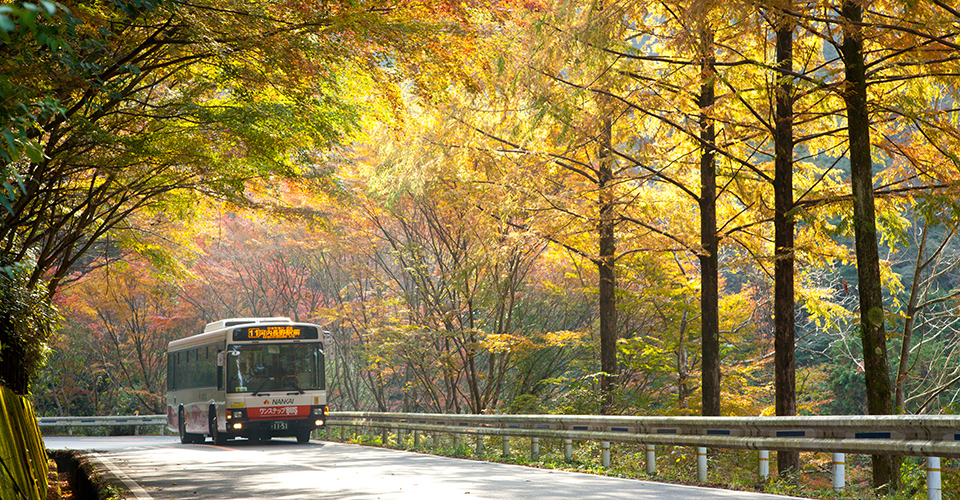
Nankai Bus
Kawachinagano Station to Kongosan (mountain entrance or in front of the ropeway)
special coupons for restaurants around Kawachinagano Station
Price
Selling period
all the year
How to buy and use the ticket
1. Purchase from the purchase page above.
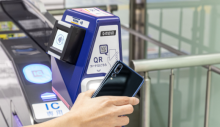
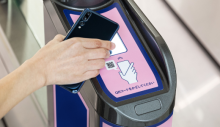
2. Hold the QR code displayed on your smartphone over a designated ticket gate and board a train.
Period of use
Valid for 2 days from the day selected
! Once the ticket expires no refund will be made even if the ticket is unused.
Precaution
●Use a designated ticket gate for Nankai Digital Ticket. The ticket cannot be used at stations/exits with no designated ticket gate.
●You cannot purchase and distribute only child ticket.
●If you leave the train at a station before your destination, the used passenger ticket cannot be reused.
●If you are using a reserved-seat train, purchase an express train ticket or a reserved seat ticket separately.
●A refund can be made by yourself, only on this system, and only when the train ticket, the bus ticket and special coupons are all unused. There is no handling charge for the refund.
●No refunds will be made due to trains not operating or other reasons after you activate the ticket.
●Refunds can be made only by the person who purchased the ticket. Refunds cannot be made by any customer other than the purchaser.
●If you purchase multiple tickets, refunds cannot be made for only some of them. If you would like to change the number of people using the tickets, get refunds first and then repurchase the tickets.
●The special coupon for the eligible facility/store is valid only on the day the ticket is used. The coupon may not be used in certain circumstances such as items being sold out.
●The special coupon for the eligible facility/store may not be used together with other discount services.
●Some facilities tied to the ticket may change operating hours or close temporarily. Before you purchase or use the ticket please visit the applicable facilities' website.
●If you cannot display the ticket because you have lost your mobile phone, or your mobile phone is broken or out of battery, the ticket cannot be reissued or refunded.
Buy tickets online
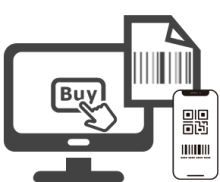
After your purchase, a confirmation E-mail will be sent to your E-mail address.

Select a product from the ticket wallet and select your train seat of the limited express.

Select " Use the seat " and place your QR code over the reader of the dedicated ticket gate to enter/exit.